Set Up Your First AI Marketing Campaign Fast
Marketing, AI Marketing for Beginners
How to Set Up Your First AI Marketing Campaign in Under an Hour
Learn exactly how to set up AI marketing campaign systems in under an hour, even if you’re brand new to AI marketing for beginners and only use simple AI marketing tools for small business.
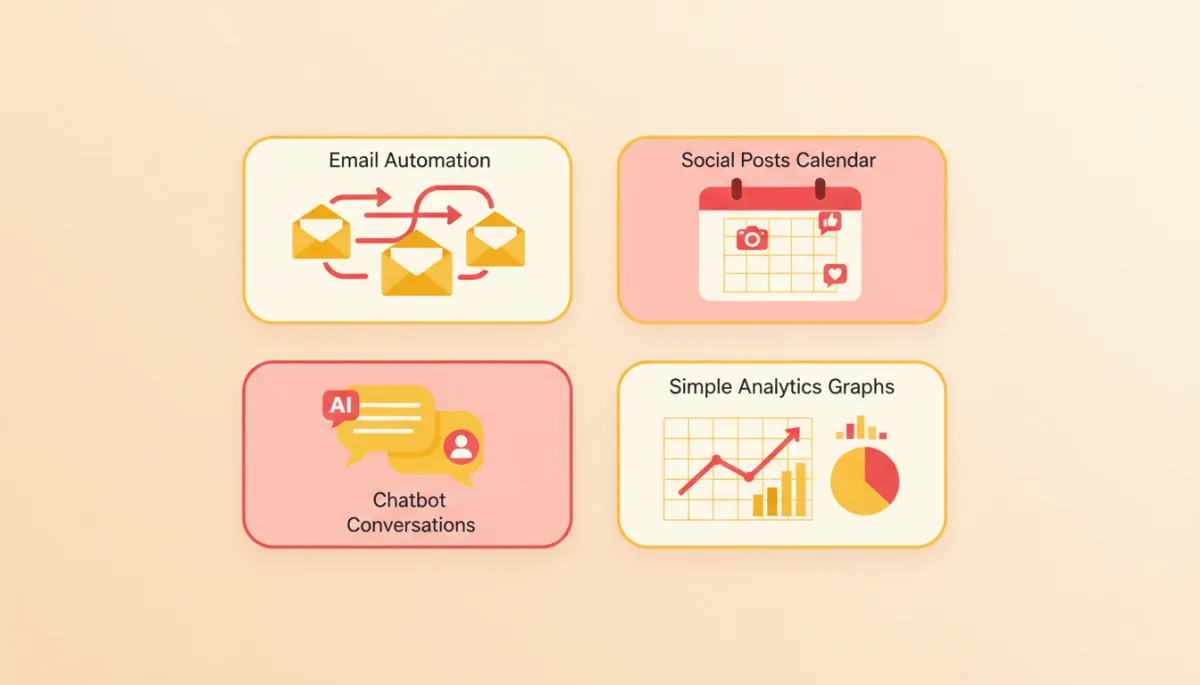
If you’re a small business owner wondering how to set up AI marketing campaign systems without getting lost in tech jargon, you’re in the right place. You don’t need to code, hire an agency, or spend weeks learning new software. With today’s AI marketing tools for small business, you can launch a simple, effective campaign in less than an hour.
This friendly, step-by-step guide will walk you through AI marketing for beginners, using plain language and practical examples. By the end, you’ll have:
- A clear campaign goal that actually supports your business growth
- An AI-generated email welcome sequence that nurtures new leads automatically
- One week of social media posts created in minutes, not hours
- A simple lead capture bot that greets visitors and collects emails 24/7
- Basic analytics connected so you can see what’s working
Step 1: Define Your Campaign Goal (5–10 minutes)
Before you touch any AI tools, get clear on one simple question: What do you want this campaign to do? A focused goal keeps your messages consistent and makes it easier to measure success later.
For most small businesses, a first AI campaign usually aims to:
- Grow your email list, or
- Book more discovery calls or appointments, or
- Sell a specific product or starter offer
Choose one main goal. Then, write a quick goal statement you can keep in front of you while you build:
Keep this nearby. Every email, social post, and bot message you create should gently point people toward that goal.
Step 2: Generate Your Email Welcome Sequence (15 minutes)
Now let’s put AI to work. Your email welcome sequence is an automated series of messages that goes out after someone joins your list. With AI, you can create this in minutes instead of staring at a blank screen for hours.
Pick a simple email tool with AI built in
Choose an email platform that offers AI writing assistance and easy automation. Many AI marketing tools for small business now include:
- Templates for welcome sequences
- An AI “assistant” that drafts subject lines and body copy for you
Use AI to draft three core emails
Start with a simple three-email sequence. In your email tool, open the AI writing assistant and give it a clear prompt, for example:
Write a 3-email welcome sequence for a local yoga studio.
Goal: get new subscribers to book a free trial class.
Audience: busy professionals, beginners, friendly tone, plain English.
Let the AI draft the emails, then quickly edit them so they sound like you. Add real details: your name, your town, your offers, and any personal touches or stories you like to share with customers.
Step 3: Create One Week of Social Content (15 minutes)
Next, you’ll use AI to create a week’s worth of social media posts that match your email messages and your campaign goal. This keeps your marketing consistent across channels without doubling your workload.
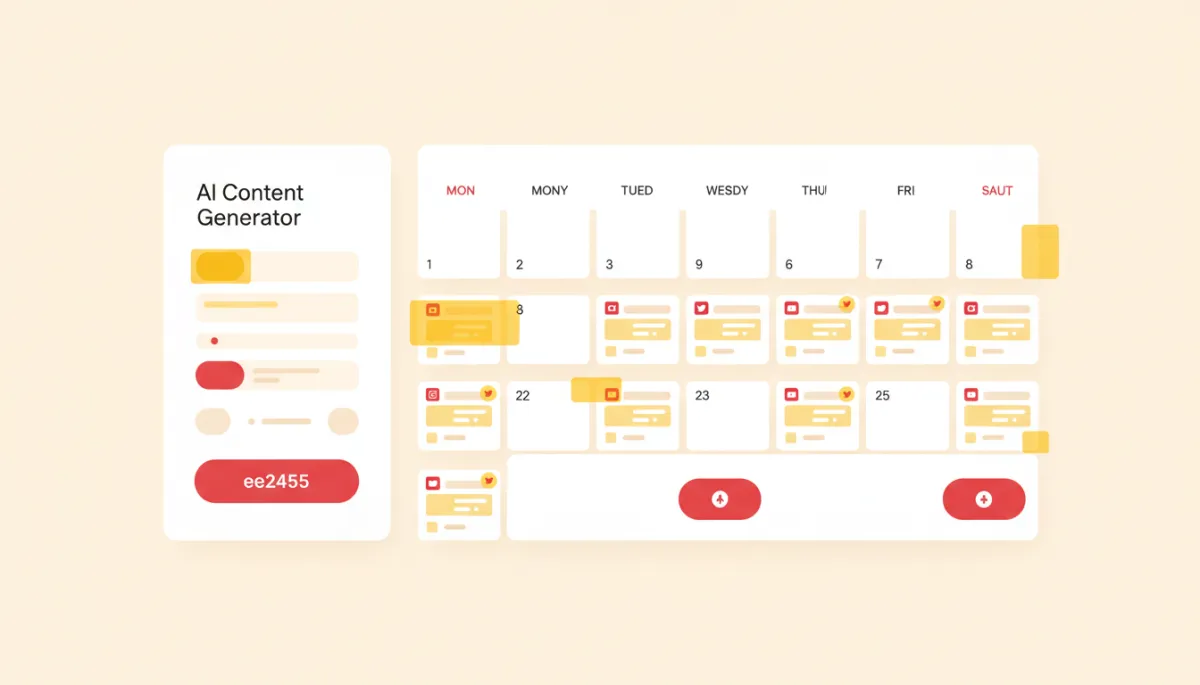
Instructional flat-style interface on cream background showing AI social media content generator...
Turn one idea into multiple posts
Open your AI writing tool (this might be inside your social scheduler or a separate AI assistant). Paste in the goal statement you wrote in Step 1 and ask for a batch of posts, for example:
Create 7 short social media posts for Facebook and Instagram.
Business: home cleaning service in Austin.
Goal: get people to request a free quote.
Tone: friendly, helpful, no jargon. Include a simple call to action.
Review the posts, tweak any wording that doesn’t sound like you, and add your website or booking link where it makes sense. Then drop them into your social scheduler for the next seven days.
Step 4: Deploy a Lead Capture Bot (10–15 minutes)
Now let’s add a small but mighty piece: a lead capture bot. Think of it as a friendly digital assistant on your website or landing page that:
- Greets visitors in plain language
- Answers common questions (hours, pricing ranges, location, etc.)
- Collects their name and email, then invites them to join your list or book a call
Use templates, not complex flows
Many beginner-friendly AI chatbot tools offer pre-built templates like “Lead Capture Bot” or “Website Concierge.” Pick one of these and customize just a few elements:
- The greeting message (e.g., “Hi, I’m Mia, here to help you find the right package.”)
- The key question (e.g., “What are you looking for help with today?”)
- The email capture step (e.g., “Can I grab your email so I can send you our best options?”)
Step 5: Connect Your Analytics (5–10 minutes)
The final piece of your first AI campaign is simple tracking. You don’t need advanced dashboards. You just need to answer two questions:
- How many people are seeing my emails and posts?
- How many of them are taking the action I care about (signing up, booking, buying)?
Use built-in reports first
Most AI marketing tools for small business already include simple analytics. In your email platform, bookmark the “Campaign Reports” page. In your social scheduler, bookmark the “Performance” or “Insights” tab. Check these once a week to see:
- Email open and click rates
- Social reach, likes, comments, and link clicks
If you use Google Analytics on your website, add a simple “thank you” page for people who complete your main action (like booking a call). Set that up as a goal so you can see how many visitors actually convert.
Quick Checklist: Your First AI Marketing Campaign in Under an Hour
Use this checklist to make sure you’ve covered everything:
- ☐ Wrote a one-sentence campaign goal that focuses on one main outcome
- ☐ Chose an email platform with AI help and drafted a 3-email welcome sequence
- ☐ Generated 7 social posts with AI and scheduled them for the week ahead
- ☐ Installed a simple lead capture bot on your website or landing page
- ☐ Connected your bot to your email list so new leads enter your welcome sequence automatically
- ☐ Bookmarked your basic analytics pages and set a weekly time to review them
Ready to Make This Even Easier? Try Mirinate
Setting up your first AI marketing campaign doesn’t have to feel overwhelming. With the right tools, AI marketing for beginners can be as simple as answering a few questions about your business and letting the system do the heavy lifting for you.
Mirinate is designed specifically for small business owners who want practical results, not complicated dashboards. In one place, you can:
- Define your campaign goal with guided prompts and best-practice suggestions
- Generate email welcome sequences and social content tailored to your industry and tone
- Deploy a lead capture bot that plugs directly into your Mirinate campaigns
- View simple, clear analytics that show which messages are bringing you leads and sales
If you’ve been waiting for the “right time” to try AI, this is it. You now know exactly how to set up AI marketing campaign basics in under an hour. Let Mirinate help you turn that plan into a living, breathing system that runs every day—while you focus on serving your customers.
Start your first Mirinate-powered AI campaign today and see how much easier consistent marketing can feel when smart automation has your back.